
Introduction
WordPress is one of the most popular content management systems (CMS) in the world, powering over 40% of all websites. Whether you’re a beginner or an experienced developer, having access to the right resources can significantly enhance your WordPress experience. This article will explore various resources tailored for WordPress users, including plugins, themes, and support options to help you improve your site.
Essential Plugins for WordPress Users
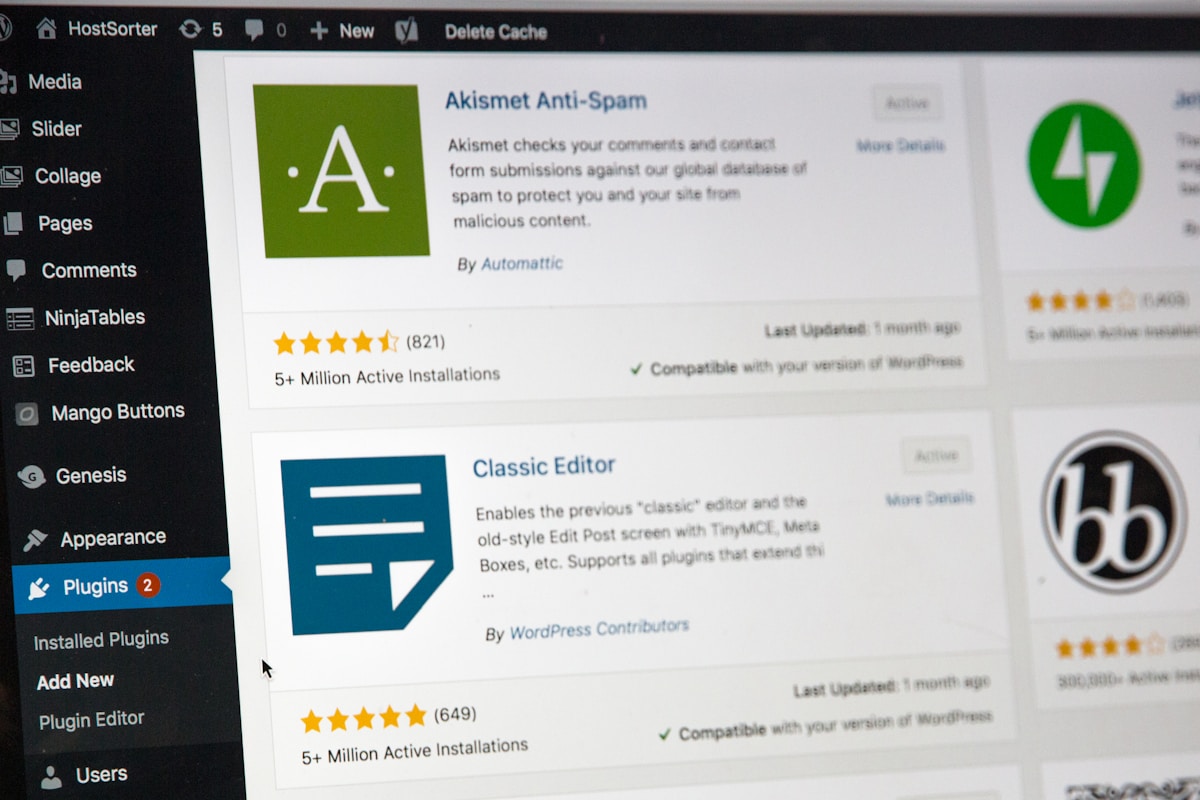
Plugins are a crucial part of the WordPress ecosystem, allowing users to add functionality to their sites without needing to code. Here are some essential plugins that every WordPress user should consider:
1. SEO Plugins
Search Engine Optimization (SEO) is vital for increasing your site’s visibility. Some popular SEO plugins include:
- Yoast SEO: Offers comprehensive tools for optimizing your content and improving your site’s ranking.
- All in One SEO Pack: A user-friendly plugin that provides essential SEO features for beginners and experts alike.
2. Security Plugins
Protecting your WordPress site from threats is crucial. Consider these security plugins:
- Wordfence Security: Provides firewall protection and malware scanning.
- Sucuri Security: Offers security activity auditing, malware scanning, and security hardening.
3. Performance Optimization Plugins
Speed is essential for user experience and SEO. Here are some plugins to enhance your site’s performance:
- WP Rocket: A premium caching plugin that boosts your site’s speed with minimal configuration.
- W3 Total Cache: A free plugin that improves site performance by caching pages and posts.
Choosing the Right Themes
Themes dictate the design and layout of your WordPress site. Here are some tips for choosing the right theme:
1. Consider Your Niche
Your theme should align with your website’s purpose. For example:
- Blogging: Look for themes that prioritize readability and content presentation.
- eCommerce: Choose themes that are optimized for online sales and include shopping cart functionality.
2. Responsive Design
Ensure your theme is mobile-friendly. A responsive design adjusts to different screen sizes, improving user experience on smartphones and tablets.
3. Customization Options
Choose a theme that offers customization options, allowing you to modify colors, fonts, and layouts without coding knowledge. Popular theme frameworks include:
- Divi: A versatile theme with a drag-and-drop builder.
- Astra: Lightweight and customizable, suitable for various types of websites.
Finding Quality Learning Resources
As a WordPress user, continuous learning is essential. Here are some valuable resources to enhance your skills:
1. Online Courses
There are numerous platforms offering courses on WordPress development and design:
- Udemy: Offers a variety of courses covering everything from basic setup to advanced development techniques.
- LinkedIn Learning: Provides professional courses that can help you build your WordPress skills.
2. Blogs and Tutorials
Follow these blogs for tips, news, and tutorials:
- WPBeginner: A great resource for beginners with easy-to-follow guides.
- WPMU DEV Blog: Offers in-depth articles on WordPress development and best practices.
3. YouTube Channels
Visual learners can benefit from YouTube tutorials. Some recommended channels include:
- WPCrafter: Focuses on WordPress tutorials and tips for beginners.
- ThemeIsle: Provides tutorials on themes, plugins, and website optimization.
Community Support and Forums
Engaging with the WordPress community can provide invaluable support. Here are some platforms to connect with other users:
1. WordPress Support Forums
The official WordPress support forums are an excellent place to ask questions and find answers from experienced users.
2. Facebook Groups
Join Facebook groups dedicated to WordPress to network, ask questions, and share experiences. Some popular groups include:
- WordPress Help & Share: A community for users to seek help and share their knowledge.
- WPBeginner – WordPress for Beginners: A supportive group focused on helping beginners navigate WordPress.
Conclusion
Accessing the right resources is crucial for improving your WordPress site. From essential plugins and themes to learning materials and community support, there are countless tools available to enhance your WordPress experience. Whether you’re looking to optimize your site’s performance, improve its security, or expand your knowledge, these resources will help you on your journey to becoming a proficient WordPress user.