Mastering WordPress Editing
WordPress is one of the most popular content management systems (CMS) available today, thanks to its user-friendly interface and extensive customization options. Whether you are a beginner or an experienced user, mastering WordPress editing can significantly enhance your ability to create stunning posts and pages. In this guide, we will explore essential tips and tricks that will elevate your WordPress editing skills and help you create content effortlessly.
Understanding the WordPress Editor
The WordPress editor has evolved over the years, transitioning from the Classic Editor to the more dynamic Gutenberg Block Editor. Understanding how to navigate and utilize these tools is crucial for effective content creation.
The Classic Editor
- Familiar Layout: The Classic Editor features a straightforward layout with a text editor and a visual editor.
- Formatting Options: You can use the toolbar to format text, add links, and insert media.
- Shortcodes: Many themes and plugins offer shortcodes that can be easily inserted for added functionality.
The Gutenberg Block Editor
- Block-Based Approach: Everything is a block—text, images, galleries, and more. This allows for greater flexibility in layout.
- Reusable Blocks: Create blocks that can be reused across different posts and pages to maintain consistency.
- Drag and Drop Functionality: Rearranging content is as simple as dragging blocks to your desired position.
Essential Tips for Effective Editing
Now that you understand the basics of the WordPress editor, let’s delve into some essential tips that will enhance your editing experience.
1. Utilize Keyboard Shortcuts
Keyboard shortcuts can drastically speed up your editing process. Here are some commonly used shortcuts:
- Bold: Ctrl + B (Cmd + B on Mac)
- Italic: Ctrl + I (Cmd + I on Mac)
- Link: Ctrl + K (Cmd + K on Mac)
- Undo: Ctrl + Z (Cmd + Z on Mac)
2. Use the Preview Feature
Before publishing your content, always preview it to see how it will appear to your audience. This helps you catch any formatting issues or errors that may have been overlooked.
3. Optimize for SEO
Search Engine Optimization (SEO) is crucial for driving traffic to your website. Here are some tips for optimizing your posts:
- Use Keywords: Research and incorporate relevant keywords throughout your content.
- Meta Descriptions: Write compelling meta descriptions that summarize your content and include keywords.
- Alt Text for Images: Always add descriptive alt text to your images for better SEO and accessibility.
Enhancing Visual Appeal
Creating visually appealing content is essential for keeping your audience engaged. Here are some strategies to enhance the visual aspects of your posts:
1. Use High-Quality Images
Images can make or break your content. Ensure that you use high-quality, relevant images that complement your text. Consider the following:
- Use stock photo sites like Unsplash or Pexels for free images.
- Optimize image sizes to improve loading times.
2. Implement Headers and Subheaders
Break your content into manageable sections using headers and subheaders. This improves readability and helps readers quickly find the information they need.
3. Incorporate Lists and Bullet Points
Lists and bullet points can help organize information and make it easier for readers to digest. Use them to highlight key points or steps in a process.
Plugins to Enhance Editing Experience
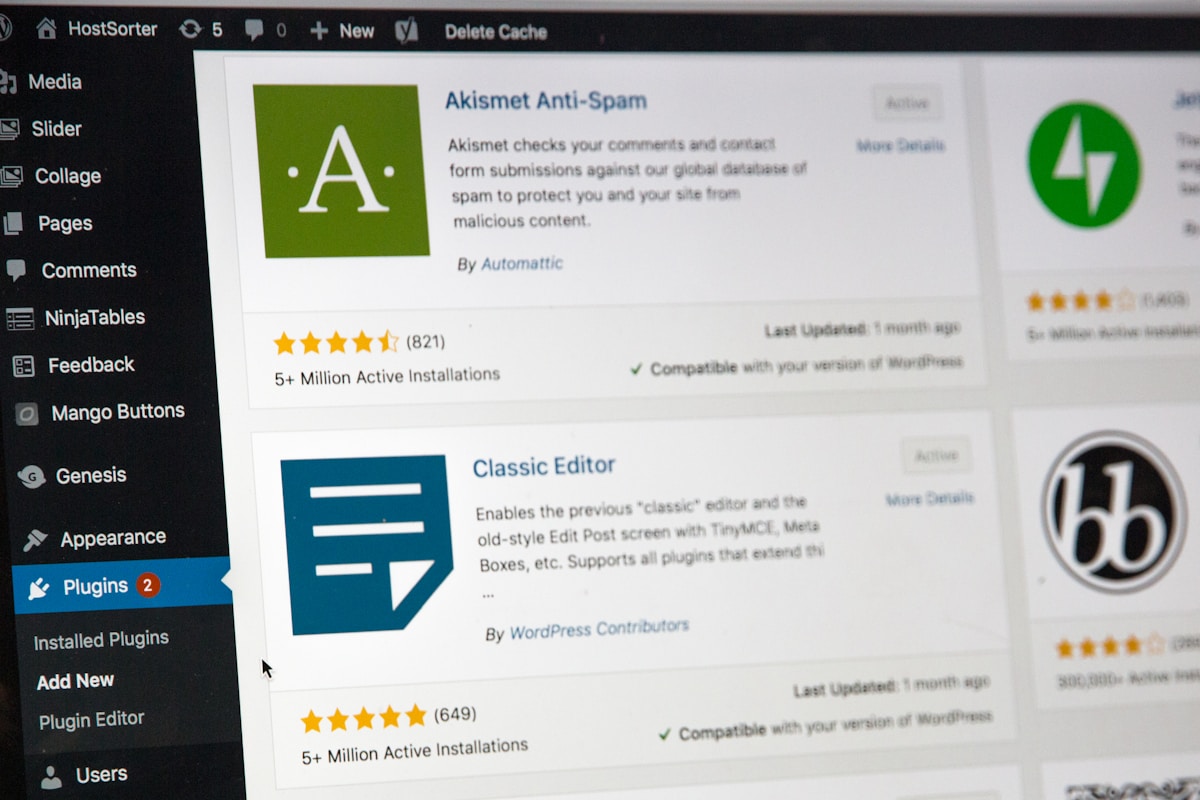
WordPress plugins can significantly enhance your editing capabilities. Here are some must-have plugins for better editing:
- Yoast SEO: A powerful tool for optimizing your content for search engines.
- Elementor: A drag-and-drop page builder for creating custom layouts without coding.
- WPForms: Easily create forms for user engagement and feedback.
Conclusion
Mastering WordPress editing is a valuable skill that can enhance your content creation process. By understanding the editor, utilizing essential tips, and enhancing your visual appeal, you can create stunning posts and pages effortlessly. Remember to stay updated with the latest features and plugins to continually improve your editing skills. Happy editing!